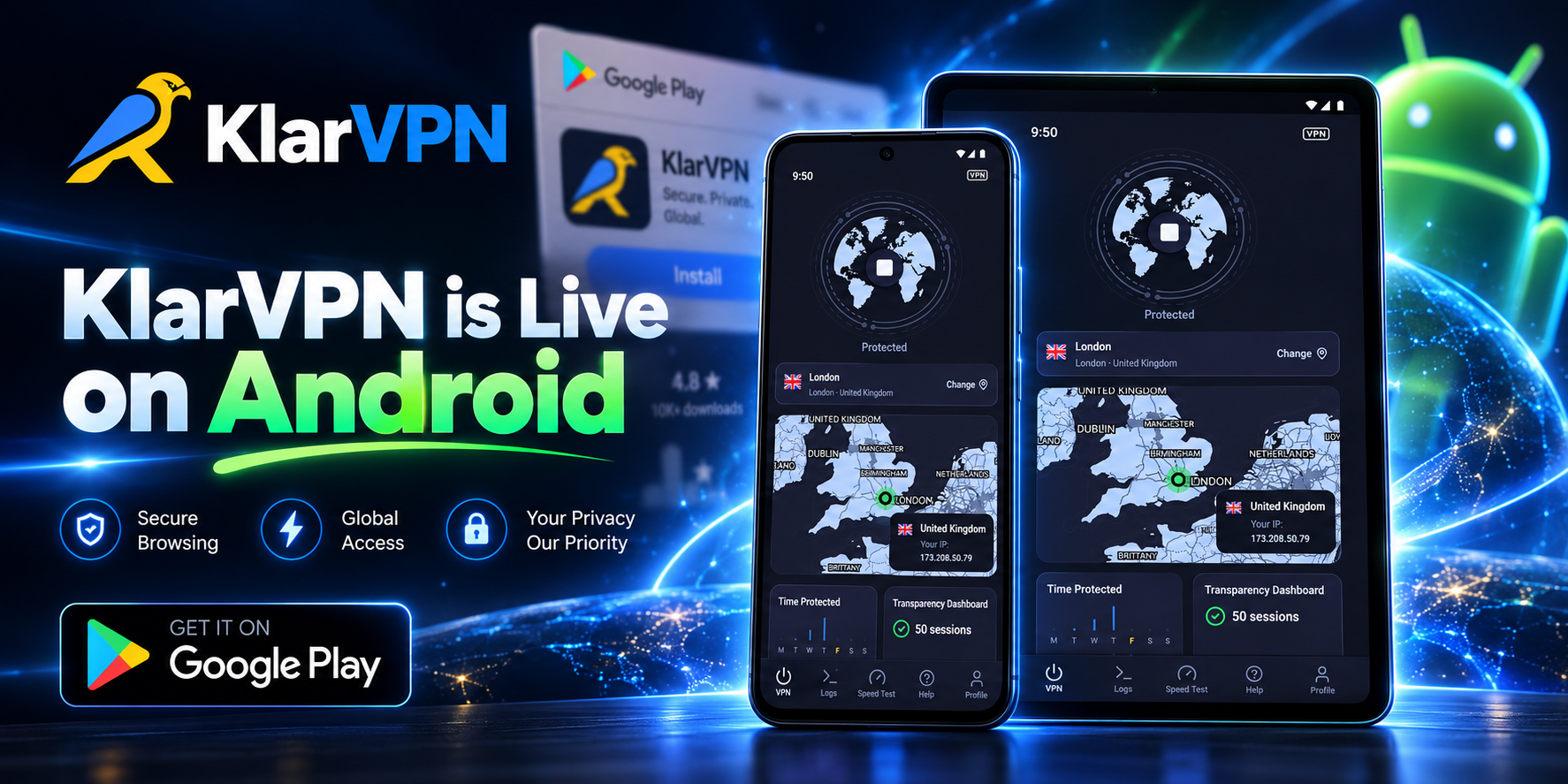
KlarVPN is now available on Android.
That means Android users can now download KlarVPN, connect through their own encrypted tunnel, and see what their VPN actually knows about them.
But Android is not short of VPN apps.
Search Google Play, and you will find hundreds of them.
So the question was never:
Can we put another VPN on Android?
The better question was:
Can we build one that gives Android users more control over the trust they are being asked to give it?
That is what KlarVPN is designed to do.
Your own encrypted tunnel. A Transparency Dashboard you can actually open. Respin when you want a fresh VPN-side session. No browsing-history logs. And 3 GB free every month.
Android Gives You Control. Your VPN Should Respect It.
Android users are used to making choices.
Which browser to use.
Which apps get permissions.
Which services can run in the background.
Which network to connect to.
A VPN is different from most apps because it sits directly in the path of your internet connection.
That deserves more scrutiny, not less.
KlarVPN was built around one simple idea:
You should not have to trust a VPN blindly just because the screen says “Protected.”
That is why KlarVPN gives you visibility into the connection and the information associated with your account.
Not just a shield icon.
Not just a privacy claim.
Something you can actually inspect.
What Happens When You Turn KlarVPN On?
When you tap Connect, KlarVPN creates an encrypted VPN tunnel between your Android device and the KlarVPN infrastructure.
Traffic routed through that connection travels inside the encrypted tunnel before continuing to the internet.
That matters because your Android phone does much more online than browse Chrome.
It runs:
- Messaging apps
- Shopping apps
- Banking apps
- Travel apps
- Work tools
- Streaming apps
- Browsers
KlarVPN operates at the Android VPN connection level rather than working as a browser-only extension.
So supported traffic from apps using that connection can travel through the VPN tunnel too.
“Allow VPN Connection?” Yes, Android Is Supposed to Ask.
The first time you connect, Android will display a system message asking you to allow KlarVPN to create a VPN connection.
That is normal.
Android requires user approval before a VPN application can establish its VPN service. The app cannot silently turn itself into your VPN in the background without that consent.
You approve the connection once so KlarVPN can create the network interface used for the encrypted tunnel.
This permission is about routing your internet connection through the VPN.
It is not the same as giving KlarVPN access to your photos, contacts, messages, or camera.
That distinction is worth understanding before you tap Allow.
One Session. One Encrypted Tunnel.
A lot of VPN language becomes unnecessarily complicated.
Here is the KlarVPN model in plain English.
When you connect, your session gets its own isolated encrypted tunnel and its own session keys.
Your traffic is not placed inside another user’s VPN tunnel.
The public VPN IP can still be shared.
That is important because a dedicated tunnel is not the same thing as a dedicated IP address.
What is isolated is your VPN session and the encryption protecting it.
Think of it as:
Your Android device → your encrypted tunnel → selected KlarVPN location → internet
That private tunnel is one of the core differences behind KlarVPN.
The Screen Says Protected. The Dashboard Tells You More.
The easiest thing for a VPN to do is display:
Connected.
The harder part is telling you what happens behind that message.
KlarVPN’s Transparency Dashboard gives you visibility into the information associated with your account.
You can see things such as your sessions and bandwidth usage.
What you will not find stored as activity history includes:
- Browsing history
- DNS-query history
- Destination IP logs
- Contents of your internet traffic
- Behavioural profiles created from your browsing
KlarVPN still needs to measure total bandwidth because usage allowances exist on the plans.
The difference is that bandwidth metering does not require us to build a record of where you went online.
We count usage. Not destinations.
That is the kind of distinction we think a privacy product should make clear.
Respin When You Want a Fresh Tunnel
Changing a server and rebuilding a VPN session are not the same thing.
KlarVPN’s Respin feature is designed for the second case.
When you Respin:
- Your current VPN tunnel is torn down.
- A fresh tunnel is created.
- New session keys are generated.
- Your VPN IP changes.
- The VPN-side tunnel fingerprint is refreshed.
That gives the KlarVPN side of your connection a fresh start.
What Respin does not do is erase everything websites or apps may already know about you.
It does not remove:
- Browser cookies
- Account logins
- App identifiers
- Device identifiers
- Information you entered into websites
- Other forms of browser or device fingerprinting
Respin refreshes your KlarVPN tunnel, not your entire online identity.
Your Phone Changes Networks All Day
One minute you are on home Wi-Fi.
Then 5G.
Then office Wi-Fi.
Later, a coffee shop.
Then an airport hotspot.
Your Android phone handles those transitions almost without you noticing.
Privacy tools should be designed for the same reality.
Auto-Connect
Auto-Connect can help KlarVPN activate protection when your device joins a network you have not marked as trusted.
That means one less thing to remember every time your phone finds new Wi-Fi.
Kill Switch
If the VPN connection unexpectedly drops, Kill Switch helps stop internet traffic from continuing outside the protected tunnel.
These features matter more on mobile because your network environment changes much more frequently than it does on a desktop sitting in one place.
Free VPN Should Have a Clear Business Model
There are plenty of free VPN apps for Android.
Before installing one, there is a useful question to ask:
If I am not paying for this service, how is it being funded?
A VPN requires servers, bandwidth, software development, and maintenance.
“Free” does not make those costs disappear.
KlarVPN keeps the model straightforward.
The Free plan gives you:
3 GB Every Month
And you still get the core KlarVPN privacy experience.
| KlarVPN Free | Included |
| Private encrypted tunnel | Yes |
| Transparency Dashboard | Yes |
| Kill Switch | Yes |
| Auto-Connect | Yes |
| Respin | Yes |
| Browsing-history logging | No |
| Ads | No |
| Behavioral tracking | No |
| Monthly VPN usage | 3 GB |
The free-plan limitation is the amount of data.
It is not an excuse to turn the user’s activity into the business model.
If 3 GB is enough for you, use it.
If you need more later, paid plans increase the usage allowance.
Google Play Gives You More Information Before You Install
VPN apps deserve extra scrutiny because of the position they occupy in your network connection.
Google Play’s Data Safety section is designed to help users review how developers say an app collects, shares, and secures data before installing it. Google has also introduced additional security-review visibility specifically for VPN applications.
That is a good habit regardless of which VPN you choose:
Read the privacy information before tapping Install.
Look at what the app says it collects.
Check what permissions it wants.
Understand how the company makes money.
Then compare those claims with what the product actually does.
KlarVPN’s Transparency Dashboard extends that idea beyond the Play Store listing.
You should still be able to ask questions after the app is installed.
From Google Play to Protected
KlarVPN does not require a manual VPN configuration.
1. Get KlarVPN From Google Play
Install the Android app on your phone or tablet.
2. Open Your Account
Sign in or create a KlarVPN account.
3. Pick a Location
Choose the KlarVPN location you want to connect through.
4. Tap Connect
Approve Android’s VPN connection request when it appears.
5. Check Your Dashboard
Once connected, open the Transparency Dashboard and see what information KlarVPN actually keeps.
You can go from download to an encrypted VPN connection without configuring servers, importing files, or manually managing encryption keys.
Download KlarVPN on Google Play
What KlarVPN Changes, and What It Doesn’t
VPN marketing sometimes makes privacy sound absolute.
It is not.
When KlarVPN is connected, it can help:
- Encrypt traffic between your Android device and KlarVPN
- Hide your real network IP from websites
- Add privacy on public or unfamiliar Wi-Fi
- Reduce what the local network can directly observe about your connection
- Give you another VPN location for your internet traffic
- Protect traffic from apps routed through the VPN connection
But KlarVPN cannot make everything you do anonymous.
A VPN cannot stop a website from knowing who you are when you sign into your account.
It cannot remove cookies already stored on your device.
It cannot make a malicious Android app trustworthy.
It cannot protect you when you voluntarily give credentials to a phishing page.
It cannot eliminate every form of fingerprinting.
A VPN protects an important part of the connection.
It should not pretend to be every privacy and security tool at once.
KlarVPN Is Now Live on Android
You waited.
Android is here.
Download KlarVPN from Google Play, create your encrypted tunnel, and open the Transparency Dashboard for yourself.
3 GB free every month.
No ads.
No browsing-history logs.
Your own encrypted tunnel.
Privacy you can see.
KlarVPN. Stay Private.
Frequently Asked Questions
Is KlarVPN available on Android?
Yes. KlarVPN is now available for Android.
Is KlarVPN free for Android?
Yes. KlarVPN includes a Free plan with 3 GB of VPN usage every month. Free users still receive the core privacy features, including a private encrypted tunnel and Transparency Dashboard.
Why does Android ask me to allow KlarVPN to create a VPN connection?
Android requires users to approve a VPN application’s connection request before the app can establish its VPN service. KlarVPN needs that permission so it can create the encrypted network connection used by the VPN.
Does KlarVPN protect apps or only Chrome?
KlarVPN works through Android’s VPN connection rather than only inside a browser. Traffic from apps routed through the VPN connection can therefore travel through the encrypted tunnel.
Does KlarVPN work over 5G and mobile data?
Yes. A VPN can work over cellular data as well as Wi-Fi. Your mobile carrier still provides the underlying internet connection, while KlarVPN adds the VPN tunnel over it.
What is a dedicated private tunnel?
It means your KlarVPN session receives its own isolated encrypted tunnel and session keys. Your public VPN IP may still be shared, so a private tunnel should not be confused with a dedicated public IP address.
What information does KlarVPN store?
KlarVPN measures information necessary to operate the service, including sessions and total bandwidth usage. It does not retain browsing history, DNS-query history, destination IP logs, or behavioural profiles based on browsing.
Does KlarVPN show ads on the Free plan?
No. KlarVPN’s Free plan is ad-free.
Can KlarVPN make my Android completely anonymous?
No. A VPN cannot guarantee complete anonymity. Websites and apps may still recognise you through logins, cookies, device identifiers, browser fingerprinting, and other information you provide.